Choose a drill-driver when hole making and controlled screwdriving dominate your work. Add an impact driver when repeated fastening calls for rotational impacts and a compact bit holder. Neither tool wins every job, and peak torque alone is a poor basis for choosing between them.
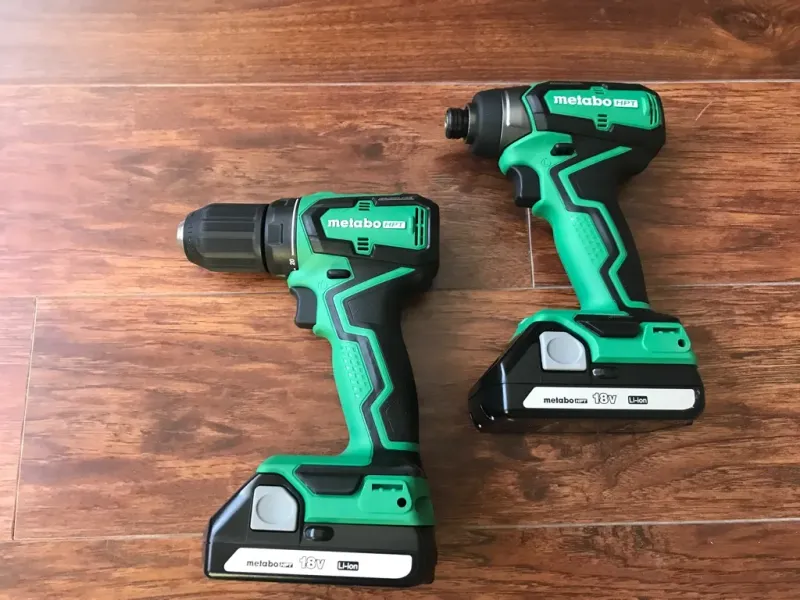
For importers and distributors, the choice also affects kit contents, accessory support and customer instructions. This comparison helps define the role of each tool before specifying a single model or a two-tool kit.
Choose by the work that repeats most often
List the actual jobs first. “Professional use” is too broad to choose a mechanism. Drilling metal brackets, fitting cabinet hardware and driving deck screws need different setups.
| Recurring job | Starting choice | Reason and limitation |
|---|---|---|
| Holes in wood, metal or plastic | Drill | Chuck and continuous rotation suit a range of drilling accessories; check capacity |
| Small screws in delicate assemblies | Clutch-equipped drill-driver or screwdriver | Control near seating matters more than maximum torque |
| Repeated longer fasteners | Consider an impact driver | Rotational impacts may suit the fastening task; follow fastener instructions |
| Pilot holes followed by fastening | Consider both | Separate setups reduce accessory changes |
| Masonry holes | Suitable drill or rotary hammer for the material | Rotational impacts are not the same as axial percussion |
A cordless screwdriver can be a better starting point for light assembly than either larger tool. Specify the job before assuming more torque adds value.
- Record materials, fasteners and hole sizes.
- Separate frequent tasks from occasional exceptions.
- Include access and finish requirements in the decision.
Mechanism: continuous rotation versus rotational impacts
A drill transmits motor rotation through a gearbox to its chuck. A conventional impact driver adds a hammer-and-anvil mechanism that delivers turning impulses as resistance rises.
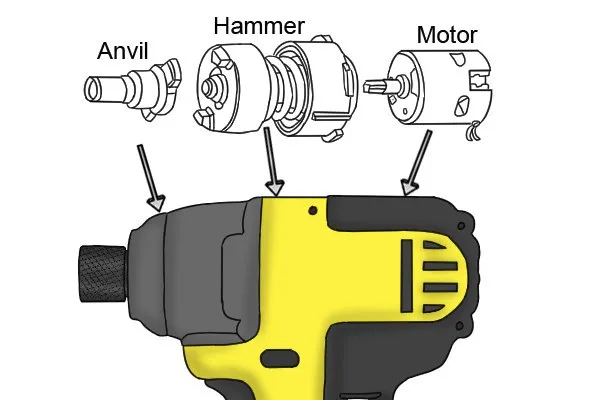
A hammer drill adds percussion along the bit axis when that mode is selected. Terminology such as “impact drill” can be ambiguous in supplier catalogs. Ask for the actual mechanism and intended application.
Do not confuse those directions. A driver does not become a masonry hammer drill because it rattles under load. Our masonry drilling guide treats material hardness, drill type and bit selection separately.
- Drill mode: continuous rotary cutting.
- Impact driver: repeated turning impulses for fastening.
- Hammer-drill mode: rotation with axial percussion for suitable applications.
See the impact driver operating guide for bit retention, setup and fastening control.
Chuck and bit holder determine usable accessories
A typical drill has a three-jaw chuck with a specified clamping range. Many impact drivers use a 1/4-inch hex holder with a particular retention arrangement. Check the exact model instead of assuming all hex-shank accessories lock directly into place.
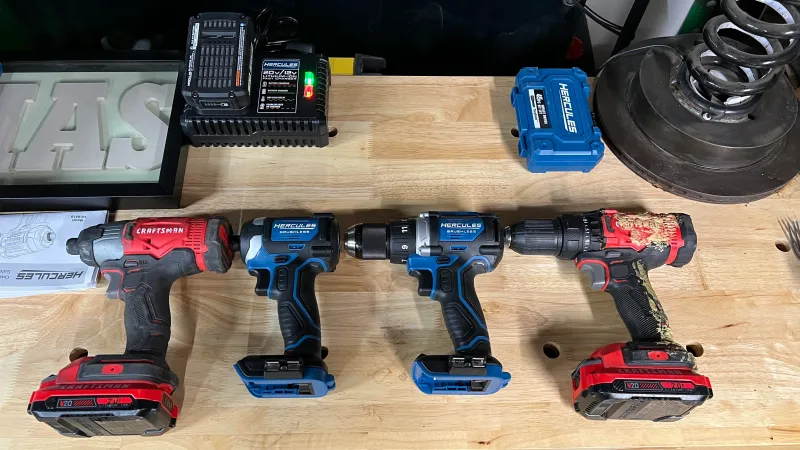
Impact-rated drilling accessories exist, but availability does not make an impact driver appropriate for every hole. Bit approval, capacity and required accuracy still apply. Adapters add length and another connection that needs checking.
Specify the accessory system with the tool. A kit is incomplete if buyers cannot source suitable replacement bits locally.
- Check shank dimensions and retention.
- Use accessories approved for impact operation where required.
- Verify tool capacity as well as whether an accessory physically fits.
Large-diameter work needs particular care. Our hole saw selection guide addresses an accessory decision that should not be reduced to “will it fit the chuck?”
Clutch settings and assist modes offer different control
A drill-driver’s clutch can limit drive transmission when a selected resistance is reached. It helps with repeated screwdriving, but numbered positions are not generally calibrated torque values. Test the setting on a representative joint.
An impact driver may offer speed levels or electronic assist modes. Their behavior varies by model and application. They should not be assumed to provide the same control as a mechanical clutch or a calibrated tightening tool.
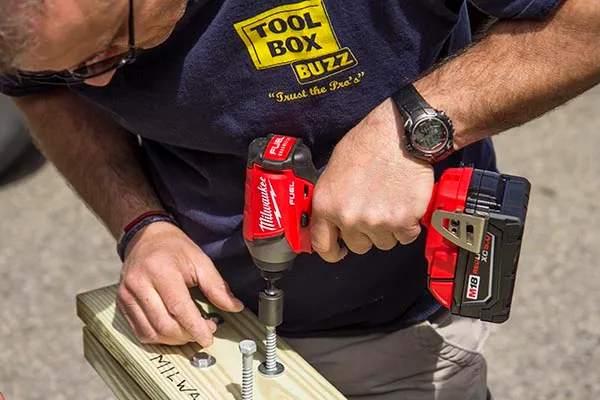
Inspect the seated fastener. Either tool can strip a head, break a screw or damage soft material. Correct bit fit, alignment and stopping behavior matter.
- Start with a conservative, documented setup.
- Follow fastener requirements for pilot holes and seating.
- Use specified final-torque procedures for critical bolted joints.
For delicate fittings, consider manual versus powered screwdriving. Manual control can be useful when fast cycle time is less important than avoiding damage.
Compare performance without inventing a power ratio
An impact driver’s published peak torque and a drill’s hard- or soft-joint torque may come from different methods. Dividing two catalog numbers does not prove one tool is three times more capable.
A drill may complete a fastener efficiently within its capacity; an impact driver may be useful as load rises. Results depend on the particular tools, packs, fasteners and materials. There is no universal winner for speed, energy use or heat generation.
Test an accepted result. A fast trial with damaged screw heads is not successful fastening. Count completed joints that meet the agreed standard.
| Keep controlled | Record separately |
|---|---|
| Fastener type, size and condition | Bit model and tool mode |
| Substrate and pilot-hole preparation | Battery model and starting charge |
| Required seating or hole acceptance | Time, accepted output and defects |
| Test procedure and operator approach | Handling, access and protective shutdowns |
- Request the basis of supplier performance claims.
- Compare like-for-like kits.
- Retain test conditions with the approved sample.
Both categories can use brushed or brushless motors. Our brushless motor guide explains that distinction without treating it as a guarantee of whole-tool performance.
Check access, reaction forces and noise on real work
Many impact drivers have short bodies, but overall working length includes the holder, bit and any adapter. Modern drills also vary widely in size. Measure the actual configuration rather than relying on a generic body-length comparison.
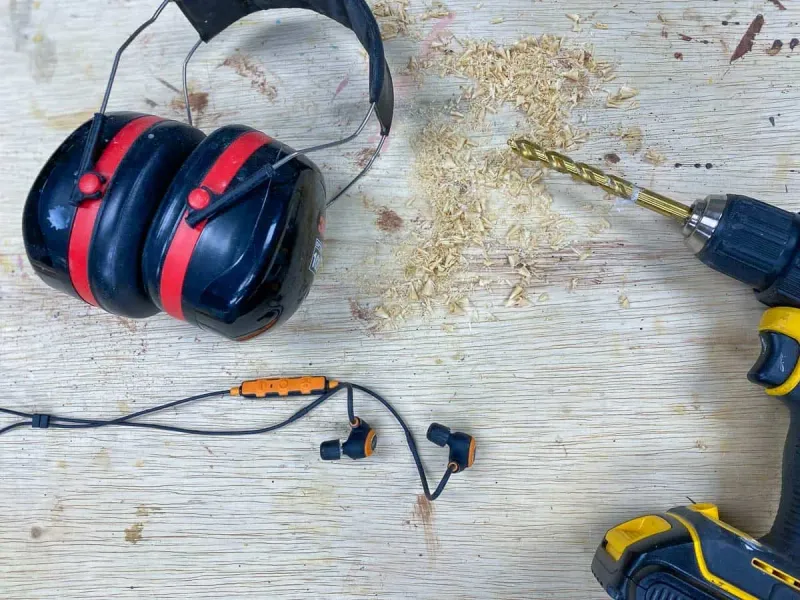
Both tools require secure handling. Impact action does not eliminate reaction forces or make awkward one-handed work automatically safe. Use supplied auxiliary handles where instructed and plan stable access.
Do not use a generic decibel table as an exposure assessment. Noise and vibration depend on the model and task. Follow documented data and workplace controls for the actual work.
- Evaluate grip and balance with the intended battery.
- Check switch access while maintaining control.
- Apply appropriate eye, hearing and other protection.
Buy one tool or a two-tool kit for a defined reason
If most work combines ordinary holes with occasional screws, a suitable drill-driver offers a broad starting capability. If repeated fastening dominates and drilling is already covered, an impact driver may be a useful addition.
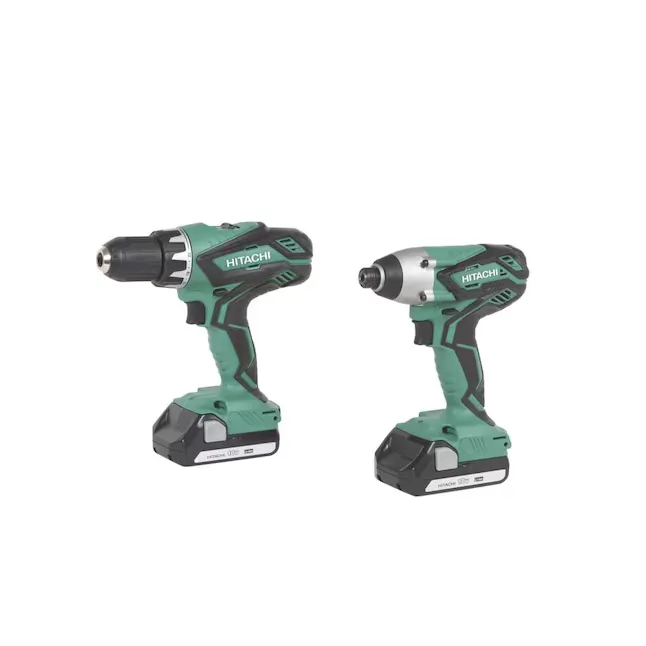
A two-tool workflow keeps a drilling accessory in one tool and a driving bit in the other. That can reduce repeated changes. It does not establish that every user needs two tools or that every combo kit offers better value.
Count what the box contains. Compare batteries, charger, accessories, case and warranty terms. Bare-tool prices are not equivalent to complete-kit prices.
- Confirm exact battery compatibility, not just voltage labels.
- Check whether included packs suit both intended tasks.
- Consider service and replacement accessories in the destination market.
When reviewing TEBOWO’s cordless power tool range, define separate roles for drilling and fastening before choosing a shared-platform assortment.
Turn the choice into a useful specification
Replace “more powerful” with a measurable requirement. State the hole or fastener, substrate, quantity of repeated work and acceptable result. Include constraints such as overhead use or restricted access.
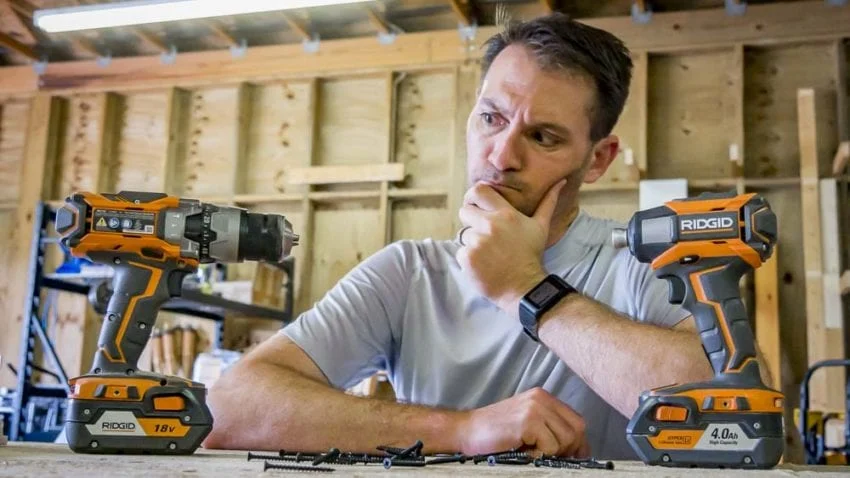
Keep sample results, configuration and instructions together. For source verification, Bosch’s GDR/GDX manual explains rotational impact operation and the limits of inferring tightening torque from running time. Its values apply to those models, not every driver.
- Choose the mechanism for the task.
- Approve complete tool, battery and accessory combinations.
- Keep critical tightening requirements separate from catalog maximum torque.
Send TEBOWO your drilling and fastening brief with the intended market and kit contents. Ask for confirmation of model-specific suitability rather than a general drill-versus-impact ranking.
Frequently asked questions
Can an impact driver drill holes?
Some combinations of tool and impact-rated drilling accessory permit it. A drill generally offers a broader choice for hole making; check the exact application and capacity.
Will a drill clutch always prevent damaged screws?
No. Clutch settings require a suitable trial, and damage can still result from poor bit fit, alignment or setup.
Is an impact driver always faster?
No. Compare specific models on a controlled task, counting only acceptable results. A catalog torque figure does not establish fastening speed.
Does an impact driver have no kickback?
No such guarantee should be assumed. Maintain control and follow the tool’s handling instructions; rotational impacts do not remove all reaction forces.
Do both tools need the same battery voltage?
Matching a voltage label is insufficient. Shared use requires explicit compatibility between the particular tools, battery packs and charger.